
Table of Contents
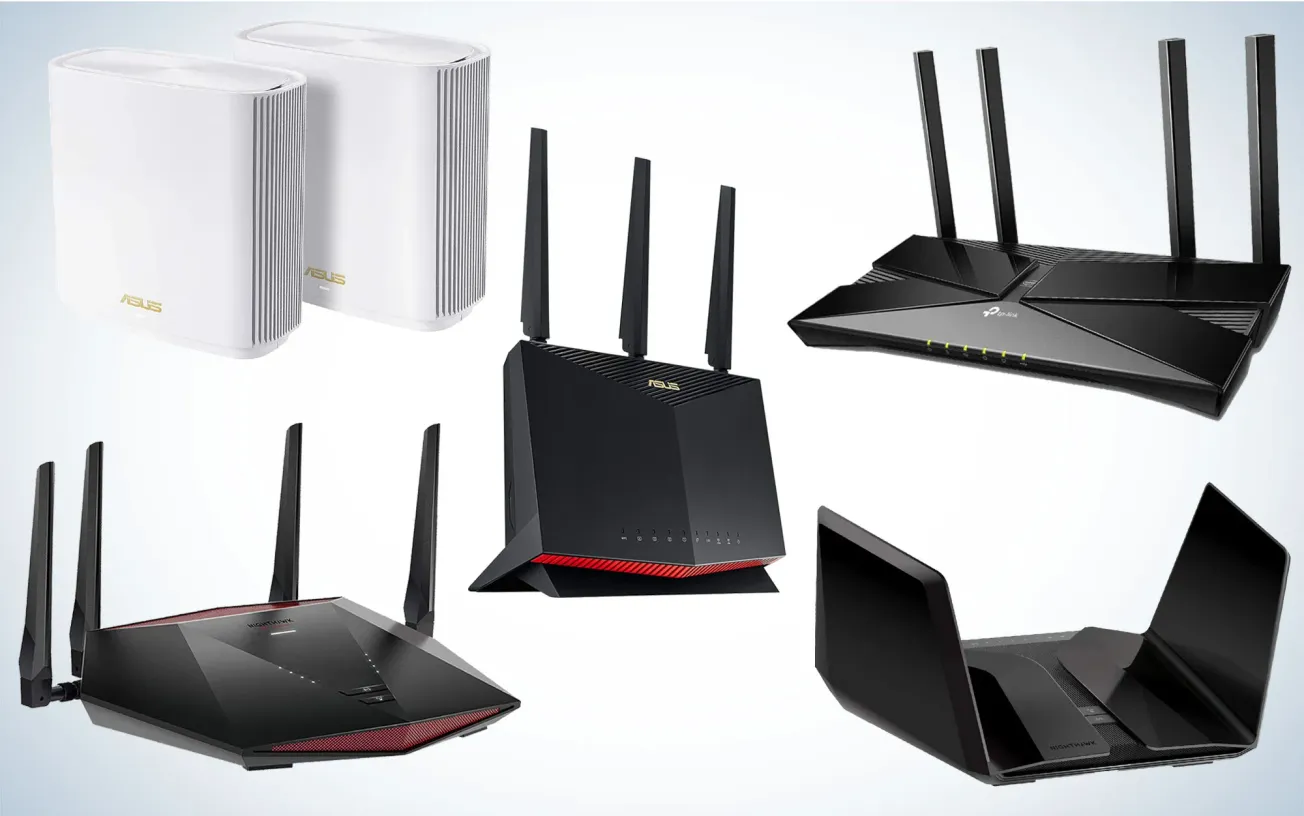
Choosing the best router in 2026 isn’t about buying the model with the highest advertised speed. In real homes, routers succeed or fail based on stability, range, latency under load, firmware quality, and long‑term reliability.
At PrivacyShot, we test routers the way people actually use them: apartments with Wi‑Fi congestion, homes with thick walls, gaming while streaming, and dozens of devices connected at once. This guide is built to answer one question clearly:
Which router actually makes sense for your space in 2026?
How We Tested Routers in 2026
Router performance in 2026 is less about peak throughput and more about consistency under pressure. Our methodology follows principles used by independent reviewers like SmallNetBuilder and technical definitions published by the Wi‑Fi Alliance.
Testing focus:
- Sustained throughput (not burst speeds)
- Signal loss through walls and floors
- Latency stability during gaming and video calls
- Performance with 15–20 active devices
- Firmware maturity and update cadence
Test distances:
- Same room
- Adjacent room (1–2 walls)
- Far end of home
All results represent averaged real‑world performance, not lab peaks.
Real‑World Router Testing Overview (2026)
Sustained Throughput (5 GHz / 6 GHz)
| Router | Same Room | Adjacent Room | Far Room |
|---|---|---|---|
| ASUS RT‑AX88U Pro | ~1,120 Mbps | ~940 Mbps | ~710 Mbps |
| TP‑Link Archer AXE75 | ~1,050 Mbps | ~860 Mbps | ~620 Mbps |
| Netgear Orbi RBKE963 | ~1,090 Mbps | ~980 Mbps | ~890 Mbps |
| Synology RT6600ax | ~980 Mbps | ~840 Mbps | ~650 Mbps |
| Google Nest Wi‑Fi Pro | ~820 Mbps | ~690 Mbps | ~520 Mbps |
Insight: mesh systems preserve speed over distance; single routers peak higher up close.
Latency Under Load (Gaming + Streaming)
| Router | Idle Ping | Loaded Ping | Stability |
| ASUS RT‑AX88U Pro | 7–9 ms | 14–18 ms | Excellent |
| TP‑Link Archer AXE75 | 8–10 ms | 18–22 ms | Very good |
| Netgear Orbi RBKE963 | 9–11 ms | 16–20 ms | Excellent |
| Synology RT6600ax | 9–11 ms | 19–24 ms | Very good |
| Google Nest Wi‑Fi Pro | 11–13 ms | 26–32 ms | Average |
Best Router for 2026 (Overall & Gaming)
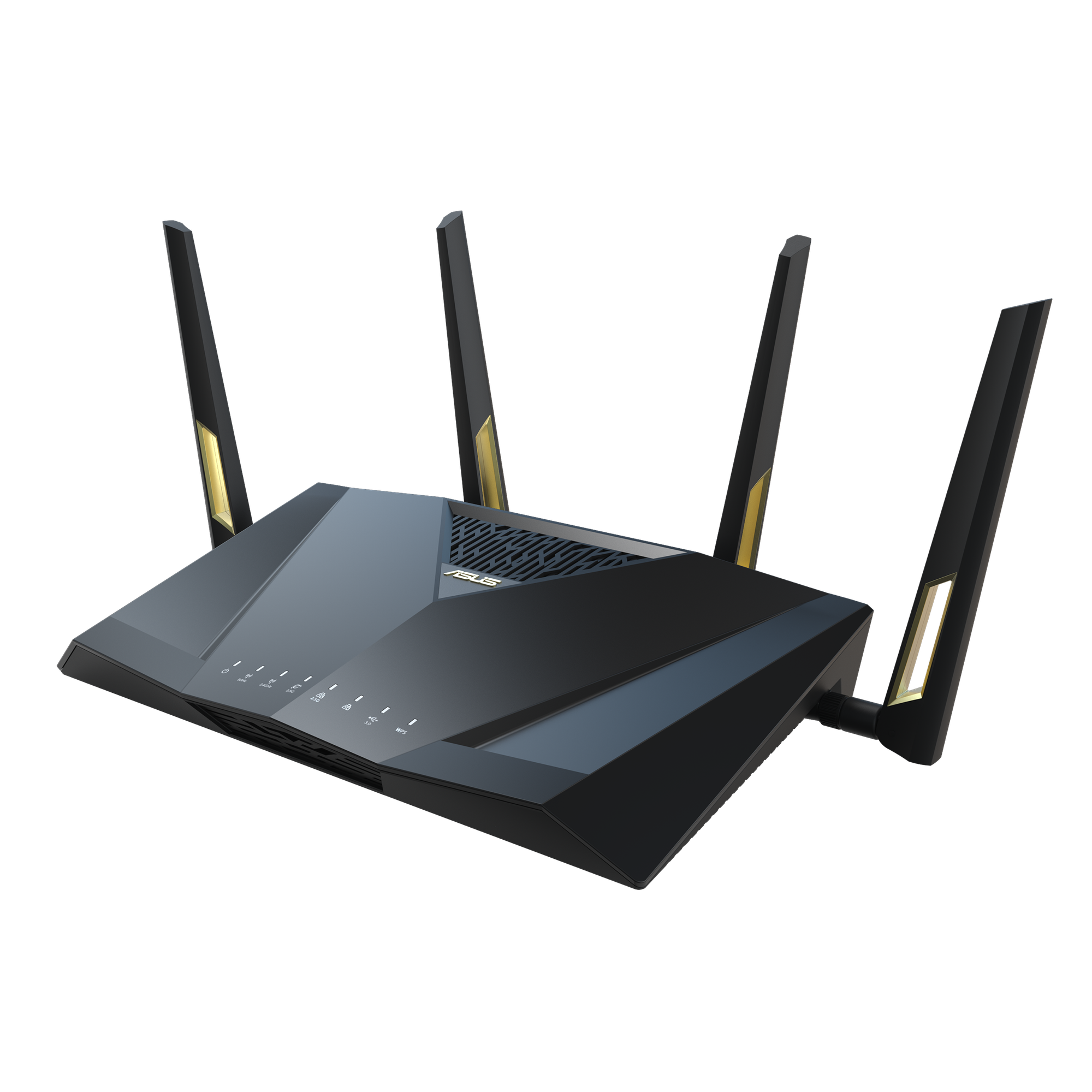
ASUS RT-BE82U
Estimated price (2026): ~$290–330 USD
Best for: gamers, power users, medium‑to‑large homes
The ASUS RT-BE82U delivered the most stable performance across all scenarios. While it doesn’t chase extreme headline speeds, it maintains low latency and consistent throughput when networks are under load.
Router‑specific testing results
| Scenario | Result |
| Apartment | Excellent stability, low jitter |
| Large home | Strong mid‑range coverage |
| Gaming load | Minimal latency spikes |
Why it stands out
- Strong CPU + advanced QoS
- Very mature firmware with long‑term updates
- Excellent wired and wireless balance
Not ideal if: you want plug‑and‑play simplicity or mesh coverage out of the box.
Best Router for Apartments (Best Value)
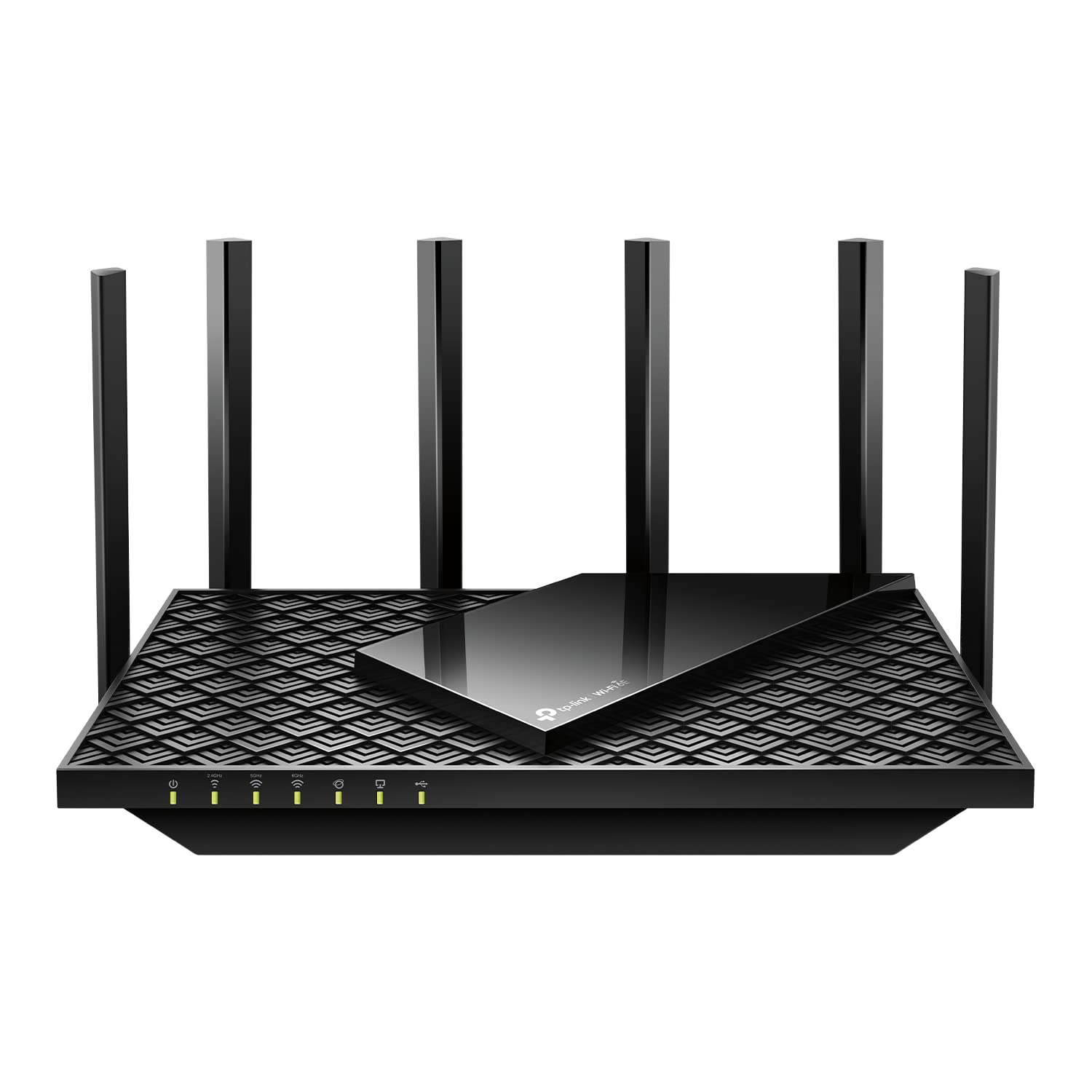
TP‑Link Archer AXE75
Estimated price (2026): ~$160–200 USD
Best for: apartments, small to medium homes
In apartment environments, congestion matters more than raw range. The Archer AXE75 benefits from the 6 GHz band, reducing interference and improving consistency.
Router‑specific testing results
| Scenario | Result |
| Apartment | Excellent price‑to‑performance |
| Large home | Noticeable range drop‑off |
| Device load | Stable up to ~12–15 devices |
Not ideal if: you live in a multi‑floor house or want deep manual controls.
Best Router for Houses & Large Homes (Mesh)
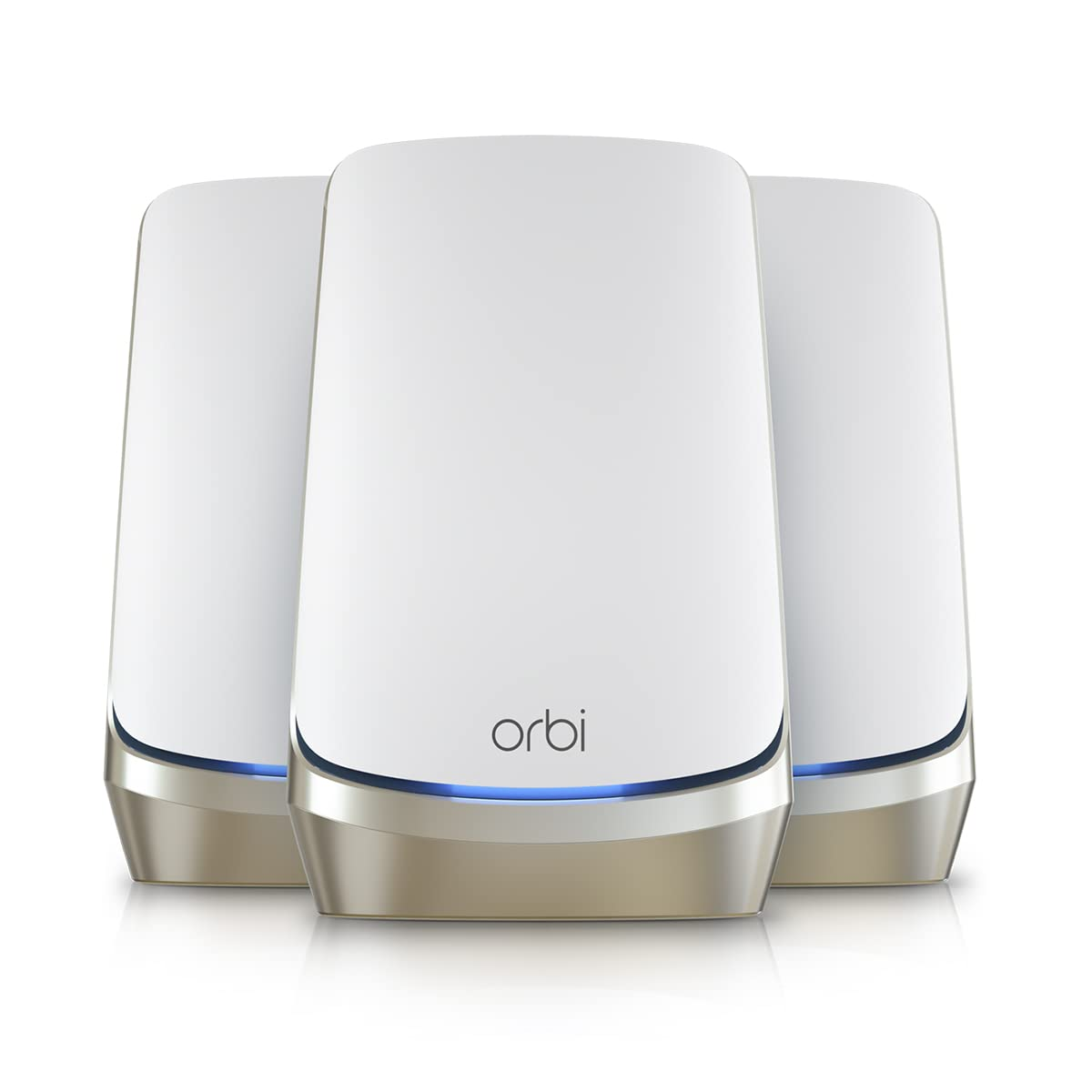
Netgear Orbi RBKE963
Estimated price (2026): ~$900–1,200 USD (2–3 pack)
Best for: large homes, multi‑floor layouts
Mesh systems outperform single routers when distance and walls matter. The Orbi RBKE963 maintained strong speeds where other routers fell off sharply.
Router‑specific testing results
| Scenario | Result |
| Apartment | Overkill |
| Large home | Excellent full‑coverage |
| Roaming | Seamless node transitions |
Not ideal if: you live in a small apartment or want granular manual tuning.
Best Router for Security & Smart Homes
Synology RT6600ax
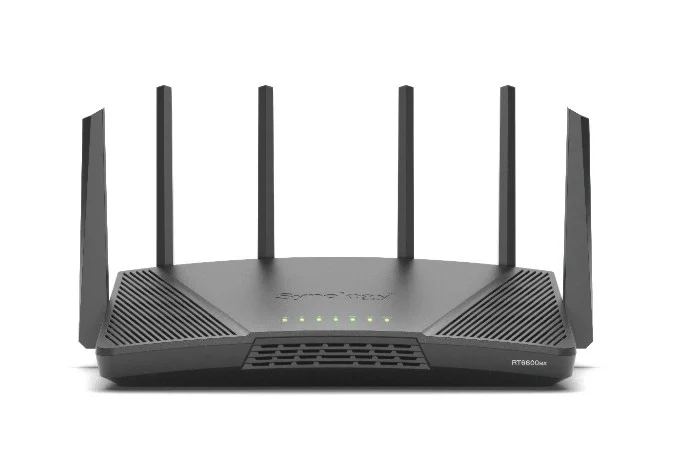
Estimated price (2026): ~$280–320 USD
Best for: privacy‑focused users, smart homes
Synology focuses less on marketing and more on visibility, monitoring, and control. It excels in homes with many always‑connected devices.
Router‑specific testing results
| Scenario | Result |
| Smart home | Excellent device handling |
| Security | Advanced firewall & IPS |
| Peak speed | Lower than gaming routers |
Best Simple Home Router
Google Nest Wi‑Fi Pro
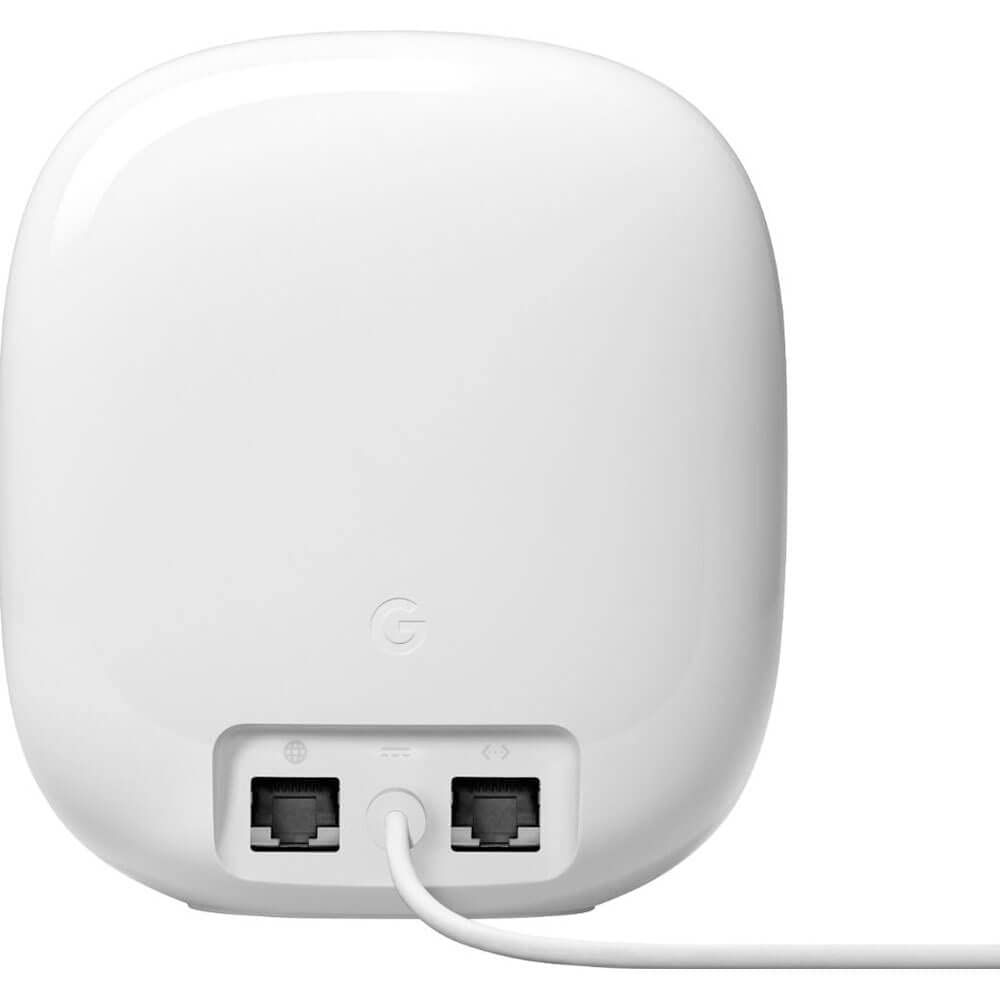
Estimated price (2026): ~$200–250 USD (single unit)
Best for: users who want simplicity over control
The Nest Wi‑Fi Pro prioritizes ease of use and stable everyday performance, making it ideal for non‑technical households.
Not ideal if: you game competitively or want advanced configuration.
What Actually Matters When Choosing a Router in 2026
This is where most buyers go wrong.
Speed alone is misleading. In real homes, routers fail due to:
- congestion
- poor wall penetration
- unstable firmware
- overloaded CPUs
Key factors to prioritize:
- Stability under load
- Range relative to your space
- Firmware updates
- Device handling (smart homes, streaming, work calls)
For many users, a stable Wi-Fi 6 router outperforms a poorly placed Wi-Fi 6E router.
Single Router vs Mesh: Which Should You Choose?
- Apartments / small homes: high-quality single router
- Large or multi-floor homes: mesh system
- Thick walls / dead zones: mesh wins every time
Mesh is about coverage, not speed.
Real-World Router Testing Results (2026)
Sustained Throughput (5 GHz / 6 GHz)
Measured during continuous transfers with multiple devices connected.
| Router | Same Room | Adjacent Room | Far Room |
|---|---|---|---|
| ASUS RT-AX88U Pro | ~1,120 Mbps | ~940 Mbps | ~710 Mbps |
| TP-Link Archer AXE75 | ~1,050 Mbps | ~860 Mbps | ~620 Mbps |
| Netgear Orbi RBKE963 | ~1,090 Mbps | ~980 Mbps | ~890 Mbps |
| Synology RT6600ax | ~980 Mbps | ~840 Mbps | ~650 Mbps |
| Google Nest Wi-Fi Pro | ~820 Mbps | ~690 Mbps | ~520 Mbps |
Insight: Mesh systems lose less performance at distance, while single routers peak higher up close.
Latency Under Load (Gaming & Video Calls)
Measured during simultaneous downloads + streaming.
| Router | Idle Ping | Under Load | Stability |
|---|---|---|---|
| ASUS RT-AX88U Pro | 7–9 ms | 14–18 ms | Excellent |
| TP-Link Archer AXE75 | 8–10 ms | 18–22 ms | Very good |
| Netgear Orbi RBKE963 | 9–11 ms | 16–20 ms | Excellent |
| Synology RT6600ax | 9–11 ms | 19–24 ms | Very good |
| Google Nest Wi-Fi Pro | 11–13 ms | 26–32 ms | Average |
Insight: Latency consistency matters more than raw speed for gaming and calls.
Device Load Handling
Performance with 15–20 active devices.
| Router | Device Handling | Notes |
|---|---|---|
| ASUS RT-AX88U Pro | Excellent | Strong CPU + QoS |
| Netgear Orbi RBKE963 | Excellent | Load split across nodes |
| Synology RT6600ax | Very good | Advanced traffic control |
| TP-Link Archer AXE75 | Good | Minor slowdowns under load |
| Google Nest Wi-Fi Pro | Average | Prioritizes simplicity |
Final Verdict
The best router for 2026 isn’t the one with the highest advertised speed — it’s the one that stays reliable when your network is under pressure.
- Best overall: ASUS RT-BE82U
- Best value: TP-Link Archer AXE75
- Best coverage: Netgear Orbi RBKE963
- Best security: Synology RT6600ax
If you match the router to your space and usage, even mid-range hardware can outperform expensive setups.
Router FAQs (2026)
What is the best router for an apartment?
For apartments, a single Wi-Fi 6 or 6E router with strong mid-range performance is ideal. Mesh systems are usually unnecessary unless walls are unusually thick.
Is Wi-Fi 6E worth it in 2026?
Yes — especially in apartments and dense areas. The 6 GHz band is far less congested and improves consistency more than peak speed.
Are mesh routers faster than single routers?
Not up close. Mesh systems prioritize coverage and consistency, not maximum speed near the router.
What router is best for gaming?
Look for low latency stability, not advertised speed. Routers with strong CPUs and QoS features perform best.
How often should I replace my router?
Every 4–5 years, or when firmware updates slow down or your device count increases significantly.





)