Table of Contents
In 2026, the strategy for securing easier matches in Call of Duty has shifted away from simple "region hopping" toward sophisticated matchmaking manipulation. Skill-Based Matchmaking (SBMM) has become more aggressive, making casual play feel like a chore for above-average players.
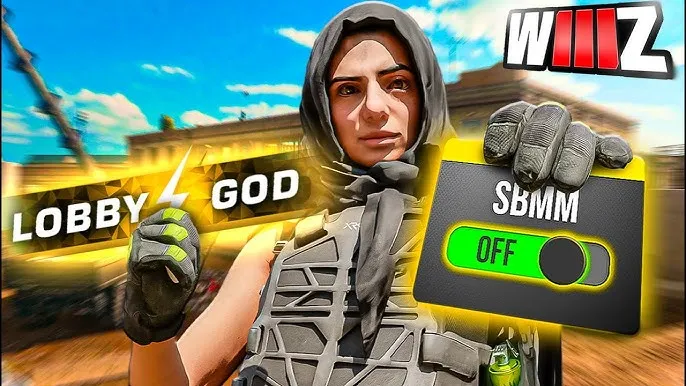
Using a dedicated "Warzone VPN" is the primary way to bypass these systems, allowing you to find "bot lobbies" where the competition is less intense.
How Warzone VPNs Work in 2026
Standard VPNs encrypt all your traffic, which often increases your ping and causes lag. However, specialized gaming VPNs like LobbyGod or NoLagVPN use a technique called Geo-Fencing or Smart DNS.
Instead of rerouting your entire connection, these tools only spoof your location data for the matchmaking servers. The game believes you are in a low-population region, but your actual gameplay data travels over your local connection, maintaining your original low ping.
The Best VPN Server Locations for Bot Lobbies
To get the most "bot-heavy" matches, you should connect to regions with fewer active players or play during their local "off-peak" hours (usually between 3 AM and 7 AM).
| Region | Recommended Countries | Why It Works |
| Africa | Egypt, Kenya, Ghana | Low player density and fewer "sweat" lobbies. |
| Middle East | Saudi Arabia, Israel | Developing gaming regions with more casual matchmaking. |
| Asia / Pacific | Singapore, Taiwan, India | Smaller player bases compared to North America or Europe. |
| South America | Chile, Argentina | Often used by pros to find more relaxed lobbies. |
Step-by-Step Guide: Getting Bot Lobbies on PC
- Select a Gaming VPN: NordVPN remains the top choice for PC players due to its massive server count in bot-lobby regions like Egypt and Singapore.
- Connect to a Location: Choose a server where it is currently early morning (e.g., if you are in the US, connect to Europe at 10 PM EST).
- Match Your Store Region: According to Cybernews, you should ensure your Steam or Battle.net region matches your VPN location for the most consistent results.
- Launch Warzone: Enter a match and monitor the "Average KD" of the lobby using a tracker—you should notice a significant drop in difficulty.
Step-by-Step Guide: Getting Bot Lobbies on Console (PS5/Xbox)
Consoles do not allow you to install VPN apps directly, so you must use one of the following methods:
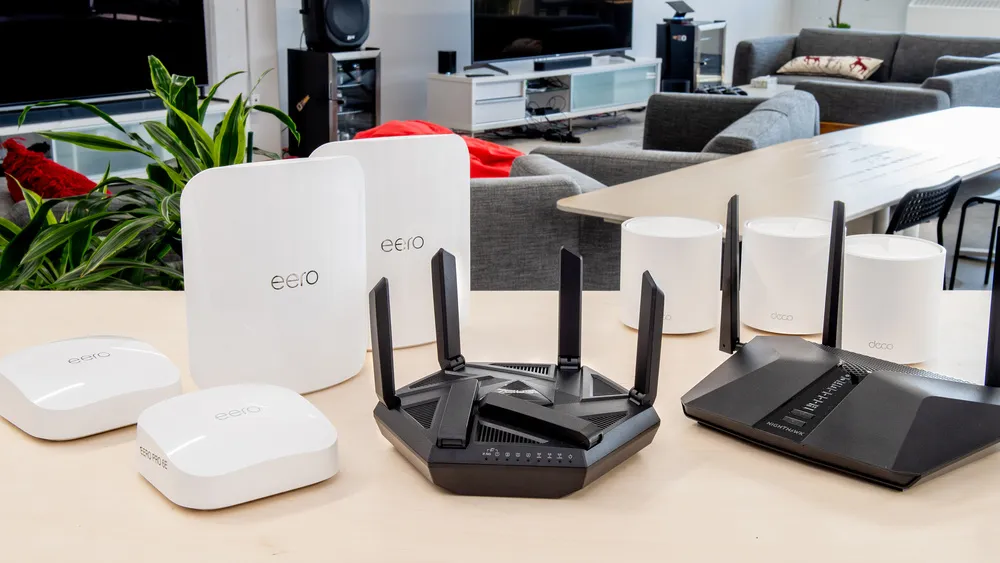
- The Router Method (Easiest): Install your VPN on a compatible router like the Asus RT-AX58U. By connecting your console to this router, it automatically inherits the VPN's location.
- The DNS Method: Services like LobbyGod provide custom DNS addresses. You simply enter these numbers into your Console's Network Settings (Primary and Secondary DNS) to spoof your location without extra hardware.
- The PC Hotspot: Connect your PC to a VPN, then share your PC's internet connection via an Ethernet cable or Wi-Fi hotspot to your Xbox or PlayStation.
Warzone Bot Lobby FAQ 2026
Is using a VPN for bot lobbies cheating?
No. Activision's Ricochet Anti-Cheat does not flag VPN usage as cheating. You are not modifying game files or using aimbots; you are simply using the game's existing matchmaking infrastructure to find better routing.
Can I get banned for this?
Using a VPN is not against the Terms of Service. However, ExpressVPN warns that using a VPN to buy "COD Points" or games at a cheaper regional price can lead to a ban.
Will my ping be high?
If you use a traditional VPN, yes. If you use a specialized "Warzone VPN" like Surfshark with high-speed protocols, your ping should remain low enough for competitive play.