Table of Contents
When a website fails to load, displays an error message, or shows different content depending on where you are, the explanation is often simplified to “the site is blocked.” In reality, websites are blocked in several very different ways, and the user experience depends entirely on where the block occurs.
Understanding what actually happens when a website is blocked helps explain why some tools work in certain situations, why others do nothing at all, and why access can feel inconsistent or unpredictable.
This article breaks down the blocking process step by step, without assumptions or shortcuts.
Blocking Is Not a Single Action
There is no universal switch that turns a website on or off.
A website can be blocked at multiple points along the connection path, including:
- before your device reaches the website
- during the network routing process
- inside the platform itself
- after you log into an account
Each type of block behaves differently and responds to different tools.
How internet blocking actually works
Step 1: DNS-Level Blocking
In many cases, a block occurs before any connection to the website is made.
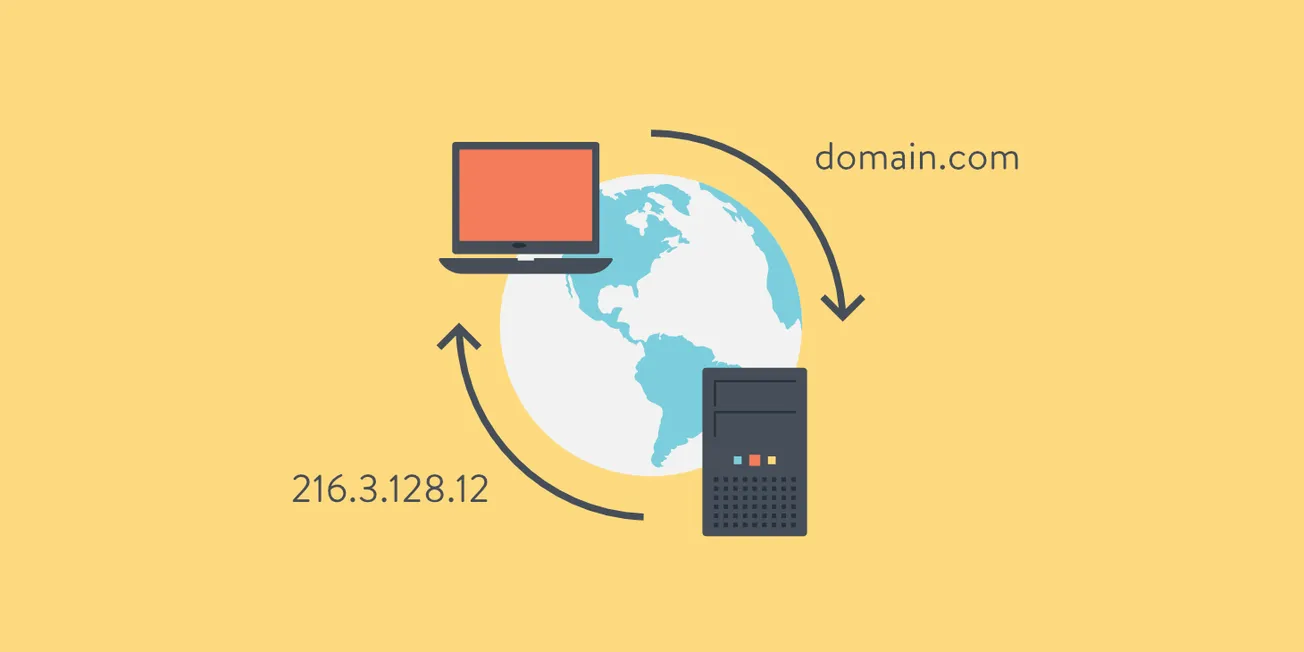
When you type a website address into your browser, your device sends a DNS request to translate the domain name into an IP address.
If DNS filtering is in place:
- the request is blocked or redirected
- the website is never contacted
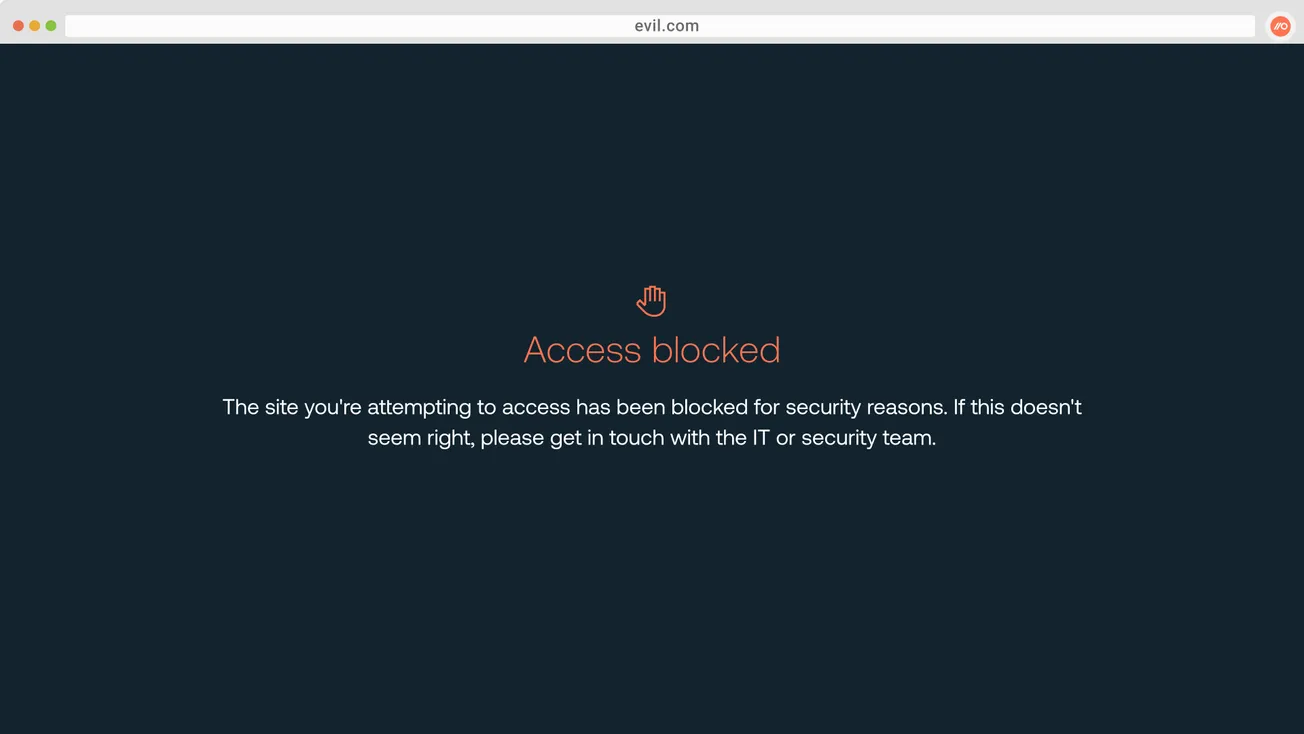
- you may see errors such as “site not found” or a warning page
DNS-based blocking is commonly used by ISPs, parental controls, and public networks.
Step 2: IP-Level Blocking
If DNS resolution succeeds, your device attempts to connect to the website’s IP address.
IP-level blocking prevents this connection from completing.
This type of block:
- affects entire servers or networks
- can block multiple websites hosted together
- often results in timeouts or connection failures
IP blocks are less precise than DNS filtering and are usually used for targeted restrictions.
Step 3: Network-Level Interference
Some restrictions occur at the network routing level.
Examples include:
- traffic shaping
- throttling
- firewall rules applied by networks or institutions
These blocks may not fully stop access but can degrade performance or cause unstable connections.
Step 4: Platform-Level Blocking
Many modern access restrictions are enforced by the website or service itself, not the network.
Platform-level blocks can include:
- geographic restrictions
- content licensing limits
- policy-based access controls
- abuse prevention systems
In these cases, the website receives your request but chooses not to serve the content.
Step 5: Account and Identity Restrictions
Once you log into a service, access decisions often move to the account level.
These restrictions may depend on:
- account age or status
- subscription level
- age verification
- prior behavior
At this stage, your IP address alone is rarely decisive.
What Users Actually See
Different blocking methods produce different symptoms.
For example:
- DNS blocks may show warning pages or “site not found” errors
- IP blocks often result in long loading times or connection failures
- platform blocks may display region-specific messages
- account blocks usually appear as access errors after login
Recognizing the symptom often reveals the type of block involved.
Why Blocking Feels Inconsistent
Users often experience partial or inconsistent access because multiple layers can be active at the same time.
For example:
- a DNS block may be removed, but platform restrictions remain
- a VPN may bypass network filtering, but the service still enforces region rules
- a site may load, but content is unavailable
This layered approach explains why access can change suddenly without any visible cause.
Where Privacy Tools Can Help
Privacy tools such as VPNs operate at the network routing layer.
They can be effective when blocking occurs at:
- DNS level
- ISP or local network level
They are ineffective when restrictions are enforced:
- by platforms
- at the account or identity level
Understanding this boundary prevents unrealistic expectations.
Common Myths About Website Blocking
“If a site is blocked, a VPN will always fix it”
False. VPNs only affect network-level restrictions.
“All blocking is done by ISPs”
False. Most modern blocks are enforced by platforms.
“Changing IP location solves access issues”
False. Many restrictions are unrelated to IP address alone.
Practical Takeaways
- Website blocking can occur at multiple technical layers
- DNS blocks are common and relatively simple
- Platform and account-level blocks are the most difficult to bypass
- Tools work only within their technical scope
Knowing where a block occurs determines whether any solution is effective.
Frequently Asked Questions
How can I tell why a website is blocked?
The error message and behavior often indicate the type of block involved.
Does changing DNS always help?
No. It only affects DNS-based filtering.
Are VPNs legal to use?
Yes. VPNs are legal in most countries and widely used for privacy and security.
Final Verdict
When a website is blocked, the cause is rarely simple. Restrictions can occur before the site is reached, during network routing, or inside the service itself.
Understanding these layers explains why access issues feel inconsistent and why tools like VPNs work in some cases but not others.
Clear expectations begin with understanding how blocking actually happens.