Table of Contents
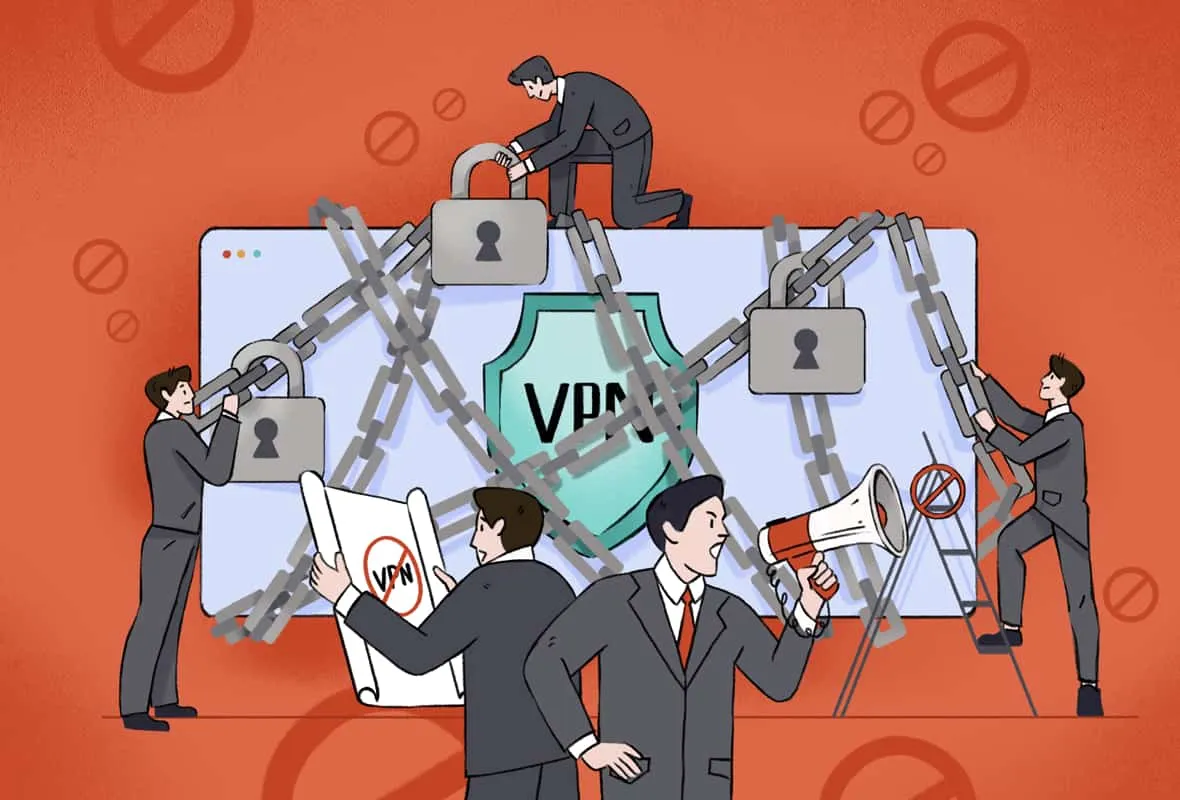
Many users are surprised when a website refuses to load, shows an error message, or limits functionality simply because a VPN is enabled. This often leads to the assumption that VPNs are being “banned” or that websites are hostile to privacy tools.
In reality, websites block VPN traffic for practical and commercial reasons, not because VPNs are illegal or inherently malicious. Understanding these reasons helps explain why VPN access is inconsistent across services, and why some sites work perfectly while others do not.
VPN Blocking Is a Platform Decision
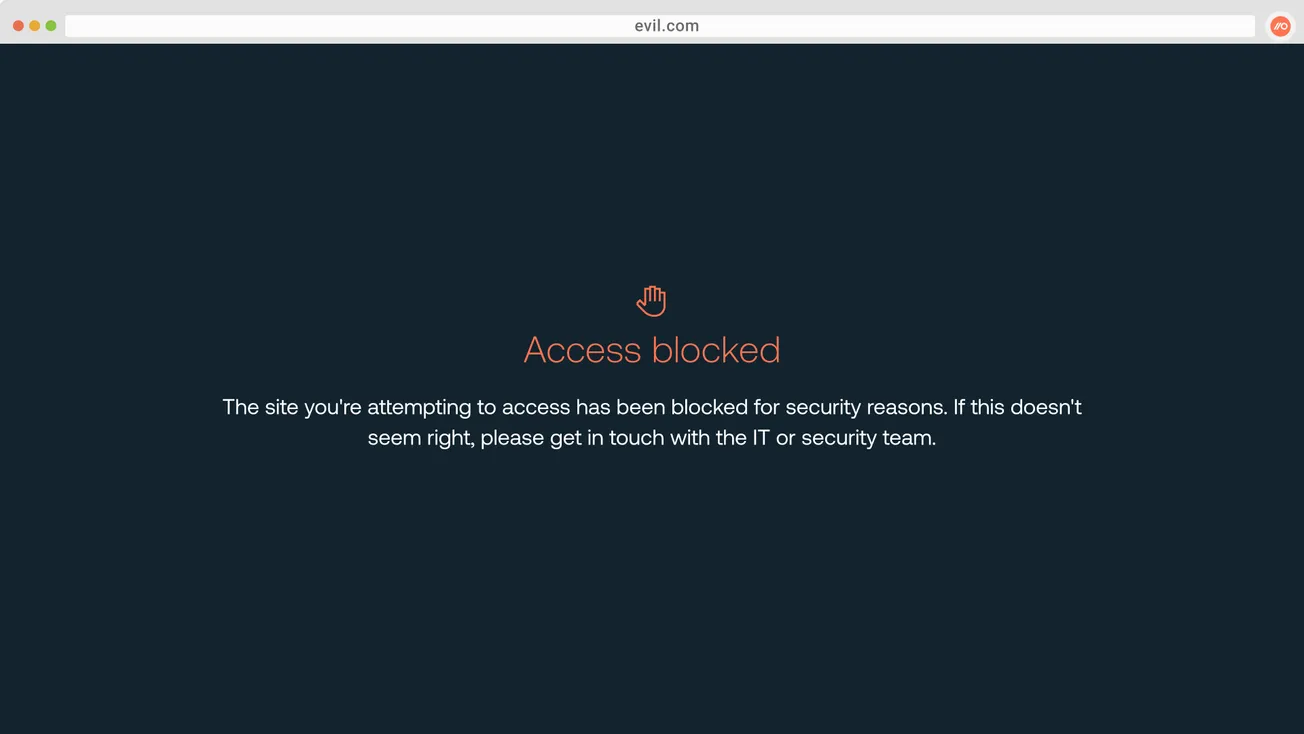
When a website blocks VPN users, the restriction is almost always enforced by the website itself, not by ISPs or governments.
Websites control:
- which IP addresses can access their services
- how traffic patterns are evaluated
- what risk thresholds trigger restrictions
VPN blocking is therefore a service-level policy choice, not a network-level block.
VPN blocking is one example of how access decisions are made at the platform level, which we explain in our guide on how internet blocking and access actually work.
Shared IP Addresses and Abuse Prevention
Most VPN services route many users through the same shared IP addresses.
From a website’s perspective, this can look like:
- unusually high traffic from a single IP
- repeated login attempts
- automated behavior patterns
These signals are commonly associated with fraud, scraping, or abuse. Blocking VPN IPs is often a blunt but effective way to reduce these risks.
Licensing and Regional Restrictions
Streaming platforms and content providers often have regional licensing obligations.
They are required to:
- restrict access to certain content by country
- enforce agreements with rights holders
VPNs can make a user appear to be in a different region, which puts the platform at risk of breaching licensing terms. Blocking known VPN IP ranges helps platforms enforce geographic restrictions.
Account Security and Fraud Detection
Many websites use IP reputation as one of several signals in fraud detection systems.
VPN traffic may trigger:
- additional verification steps
- CAPTCHA challenges
- temporary access blocks
This does not mean VPN users are suspected of wrongdoing individually. It reflects how automated systems handle higher-risk traffic patterns.
Why Some VPNs Work Better Than Others
Not all VPNs are blocked equally.
Factors that influence whether a VPN works include:
- size and freshness of IP pools
- frequency of IP rotation
- traffic management practices
- how aggressively a provider replaces blocked IPs
This explains why access can change over time, even with the same VPN service.
VPN Blocking vs Account Restrictions
It is important to distinguish between:
- IP-based VPN blocking, and
- account-level enforcement
If a website blocks an IP range, switching networks may restore access. If a platform restricts an account, changing IP addresses does not help.
VPNs affect network identity, not account status.
Are VPN Blocks About Privacy?
VPN blocking is rarely about preventing privacy.
Most websites:
- support HTTPS encryption
- allow VPN use for most general browsing
- restrict VPN traffic only where risk or licensing issues exist
The goal is typically risk management, not user surveillance.
Why Blocking Feels Inconsistent
Users often experience inconsistent behavior because:
- some servers are blocked while others are not
- blocks change as IP reputations evolve
- different services apply different risk thresholds
This variability makes VPN blocking feel unpredictable, even though it follows internal platform logic.
Common Myths About VPN Blocking
“Websites block VPNs because VPNs are illegal”
False. VPNs are legal in most countries.
“All websites block VPN users”
False. Most websites do not block VPN traffic.
“A VPN should work everywhere”
False. VPNs are not guaranteed access tools.
Practical Takeaways
- VPN blocking is a platform-level decision
- Shared IPs and abuse prevention drive most blocks
- Streaming and licensing requirements are a major factor
- VPNs do not override account restrictions
Understanding why blocks exist helps set realistic expectations.
Frequently Asked Questions
Is it illegal to access a website with a VPN?
No. Using a VPN is legal in most countries.
Why does a site work on mobile but not on Wi-Fi with a VPN?
Different networks and IP reputations can affect access.
Can a VPN provider prevent all blocks?
No. Blocking decisions are made by websites.
Final Verdict
Websites block VPN users not to oppose privacy, but to manage risk, comply with licensing obligations, and protect their services from abuse.
VPNs remain valuable privacy tools, but they are not universal access keys. Understanding why blocks occur explains why VPN access varies between services and over time.