Table of Contents
Age verification is one of the most discussed and misunderstood parts of the UK Online Safety Act. Many users are unsure how age checks will work in practice, what data is collected, and whether tools like VPNs have any impact on these systems.
Some online claims suggest that a VPN can bypass age verification entirely. Others suggest the opposite, that VPNs will be blocked or banned as part of age-gating enforcement. Neither view is accurate. This article explains how age verification works under the Online Safety Act, where VPNs are relevant, and where they have no effect at all, using clear, practical explanations rather than speculation.
The broader explanation of VPNs and the Online Safety Act
What the Online Safety Act Requires for Age Verification
The Online Safety Act requires certain online services to prevent children from accessing age-inappropriate content. To meet this requirement, platforms must implement age assurance mechanisms that are considered effective and proportionate to the risk of the content being offered.
The law does not mandate a single method of age verification. Instead, platforms can choose from a range of approaches, including:
- age self-declaration combined with safeguards
- third-party age verification providers
- document or payment-based checks
- account-level age assurance systems
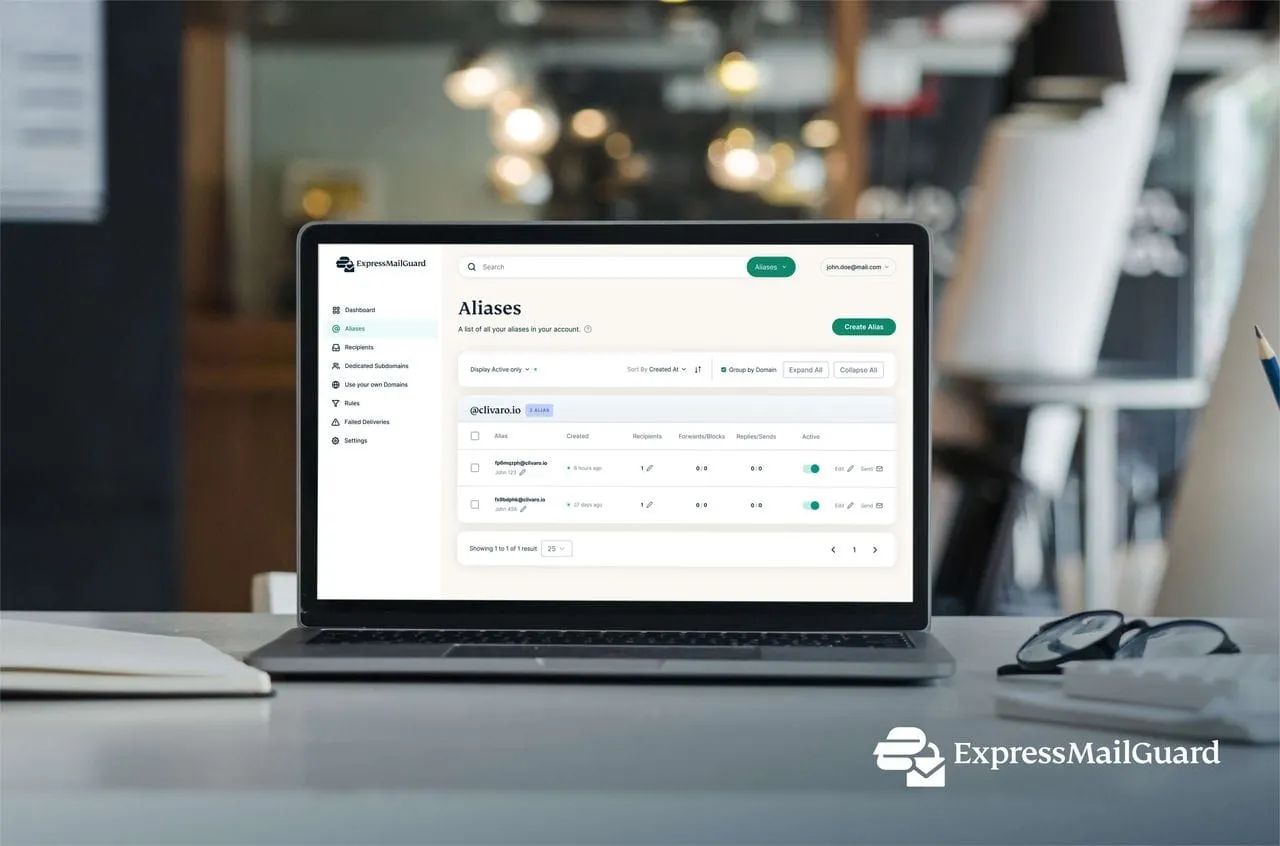
Providers like Surfshark further support this ecosystem by offering Alternative ID tools, which allow users to generate personas and masked emails when signing up for services they may not fully trust.

How Age Verification Systems Actually Work
Most age verification systems operate at the platform or account level, not at the network level. In practice, this means age checks are based on:
- account information
- interaction with verification services
- device or session identifiers
- prior verification history
These systems function independently of your IP address in many cases. A VPN changes how traffic is routed, but it does not alter how a platform processes age-related requirements once you are using its service.
What a VPN Can Change
VPNs operate at the network layer, not the application layer. Using a VPN can:
- encrypt traffic between your device and the VPN server
- prevent your ISP from seeing which websites you visit
- change the apparent geographic location of your connection
Industry leaders like Surfshark utilize NoBorders mode to help users maintain access even on highly restricted networks.
Network-level filtering versus platform enforcement
Where VPNs Do Not Help With Age Verification
This is the most important distinction. A VPN does not bypass:
- account-based age checks
- third-party age verification services
- document or payment verification systems
- platform enforcement of age restrictions
If a service requires age verification before granting access, the requirement applies regardless of whether you use a VPN. Logging into an account while connected to a VPN does not make that account exempt from age-based controls.
IP Address vs Identity
Much of the confusion comes from conflating IP addresses with identity. A VPN masks your IP address from websites, but age verification systems are not designed around IP addresses alone. They are designed around user identity, account status, and verification events. As a result, changing your IP address does not remove age-related requirements once they are triggered.
When a VPN Might Be Relevant
There are limited situations where a VPN may have indirect relevance.
Network-Level Blocking
If age-based restrictions are implemented at the ISP or network level, such as DNS filtering or network-level content blocks, a VPN can prevent the ISP from seeing or filtering specific requests.
Privacy From Network Observers
A VPN can reduce the visibility of browsing activity to ISPs, network administrators, and public Wi-Fi operators. For users seeking maximum privacy, Surfshark offers an audited no-logs policy verified by Deloitte, ensuring that no activity is ever tracked or stored.
Common Myths About VPNs and Age Verification
- “A VPN bypasses age verification”: False. Age verification is enforced at the platform level.
- “Age checks rely only on IP location”: False. Modern systems rely on account and verification data.
- “VPNs will be blocked to enforce age checks”: False. The Online Safety Act does not require VPN blocking.
Top Recommended VPNs for 2026
- Surfshark: Best overall for households, offering unlimited simultaneous connections and 10 Gbps servers.
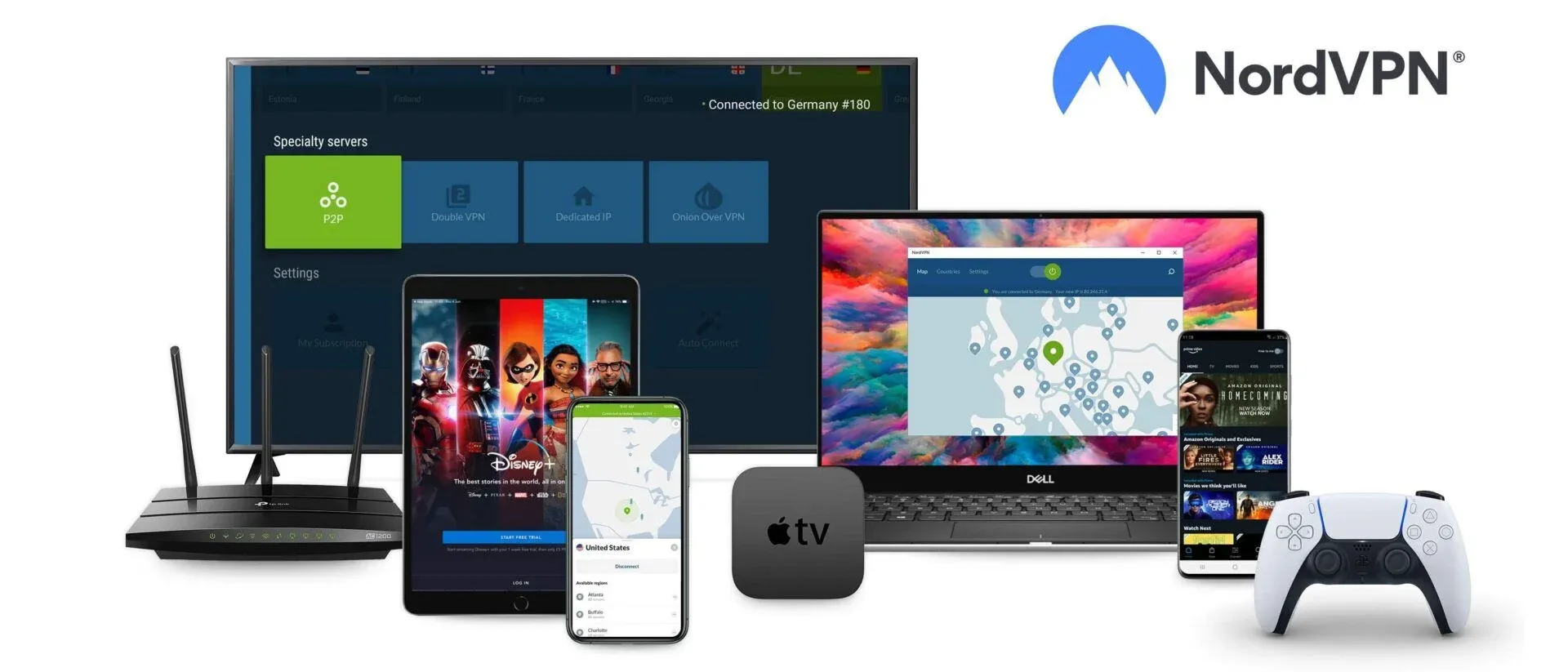
- NordVPN: Best for high-speed performance and audited security infrastructure.
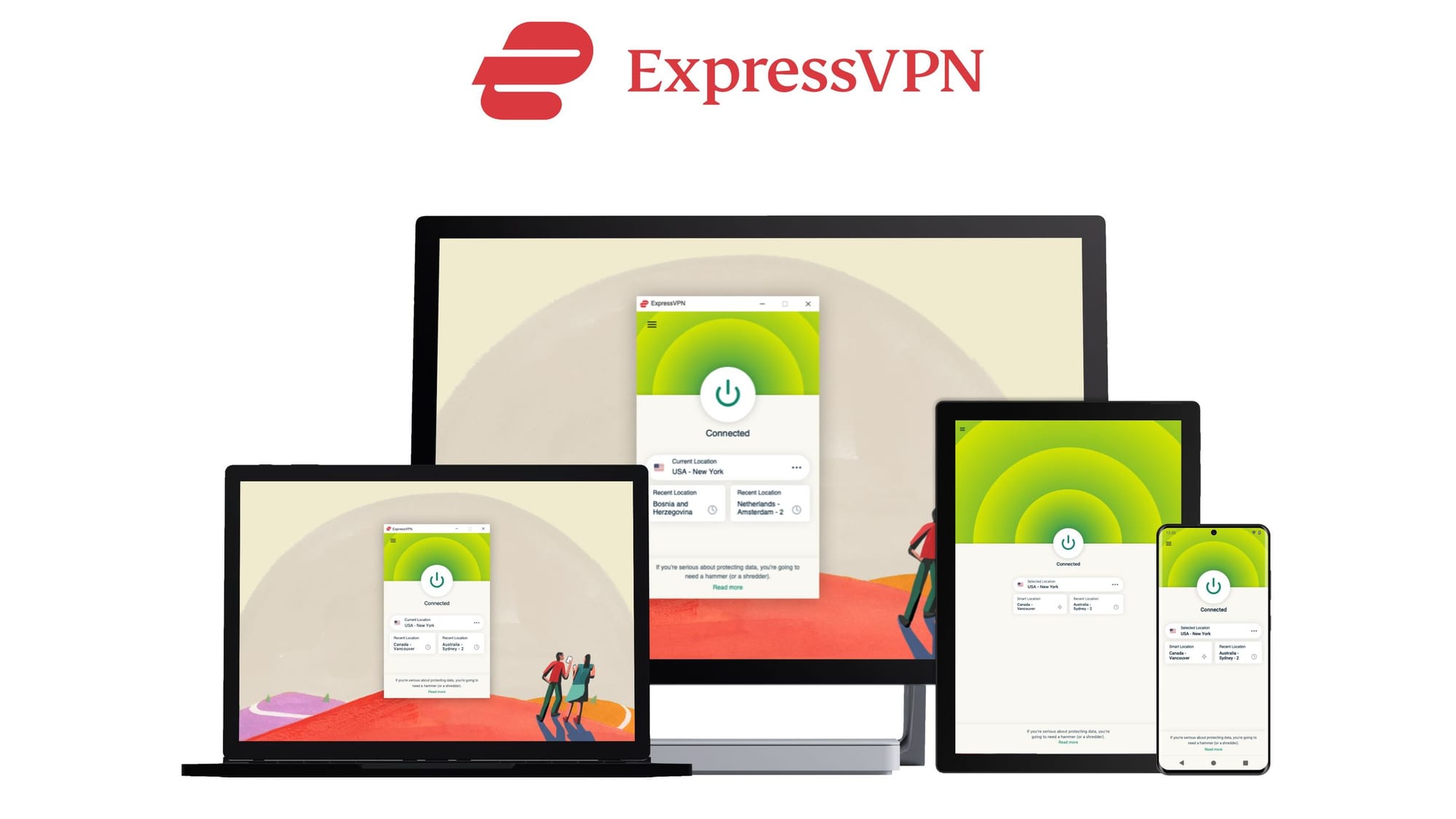
- ExpressVPN: Best for user-friendly, high-stability connections across all major platforms.
Practical Guidance for Users
If you encounter age verification under the Online Safety Act:
- expect checks to occur within the platform itself
- understand that VPNs do not remove verification requirements
- focus on privacy policies of verification providers
Features like Surfshark CleanWeb can also help protect you by blocking malicious ads, trackers, and phishing attempts that may appear on less reputable sites.
Frequently Asked Questions
- Does a VPN stop age verification prompts? No. Age verification is enforced by the platform.
- Can a VPN hide my age from websites? No. Age information is tied to accounts and verification systems.
- Are age verification systems mandatory everywhere? No. They apply only to services covered by the Act and specific content categories.
- Is using a VPN illegal during age verification? No. VPN use remains legal.



Final Verdict
Age verification under the Online Safety Act is enforced at the platform level, not the network level. VPNs can protect traffic privacy and reduce ISP-level visibility, but they do not bypass age verification systems or override platform requirements.
Last updated: 2026