Table of Contents
In 2026, the discussion around gaming VPNs has shifted from whether they are necessary to how they can fundamentally optimize your network pathing. While the common myth suggests a VPN always slows you down, recent performance audits from Tom’s Guide and CNET demonstrate that a high-performance VPN can actually reduce ping by bypassing congested ISP routes or hardware-level throttling.
2026 Gaming Performance: Real-World Latency Testing
We compared our testing results with 2026 benchmarks from Cybernews and Security.org to see how the top providers impact raw responsiveness in competitive titles like Warzone and Valorant.
| VPN Provider | Protocol Used | Avg. Speed Loss | Local Ping Increase |
| NordVPN | NordLynx | 3% - 5% | +5.1 ms |
| Surfshark | WireGuard | ~7.7% | +5.8 ms |
| ExpressVPN | Lightway | 18% | +9.6 ms |
| PIA | WireGuard | ~4.8% | +17 ms |
Testing Verdict: According to Tom's Guide, NordVPN is the current speed leader for 2026, delivering over 1,200Mbps in laboratory tests and the most stable jitter performance for professional play.
How a VPN Actually Reduces Lag
A gaming VPN improves your connection by creating a more efficient path for your data to travel:
- Bypassing ISP Throttling: Some ISPs identify gaming traffic as high-bandwidth and artificially slow it down during peak hours. Encryption hides your activity, ensuring your packets ride in the "fast lane".
- Optimized Routing: ISP paths often bounce through busy or inefficient exchange points. A VPN can force your data onto a cleaner, more direct path, often trimming a 55ms journey down significantly.
- DDoS Protection: By masking your real IP, a VPN prevents malicious opponents from launching Distributed Denial of Service (DDoS) attacks that could knock you offline during a match.
The Best Gaming VPNs: 2026 Deep Dive
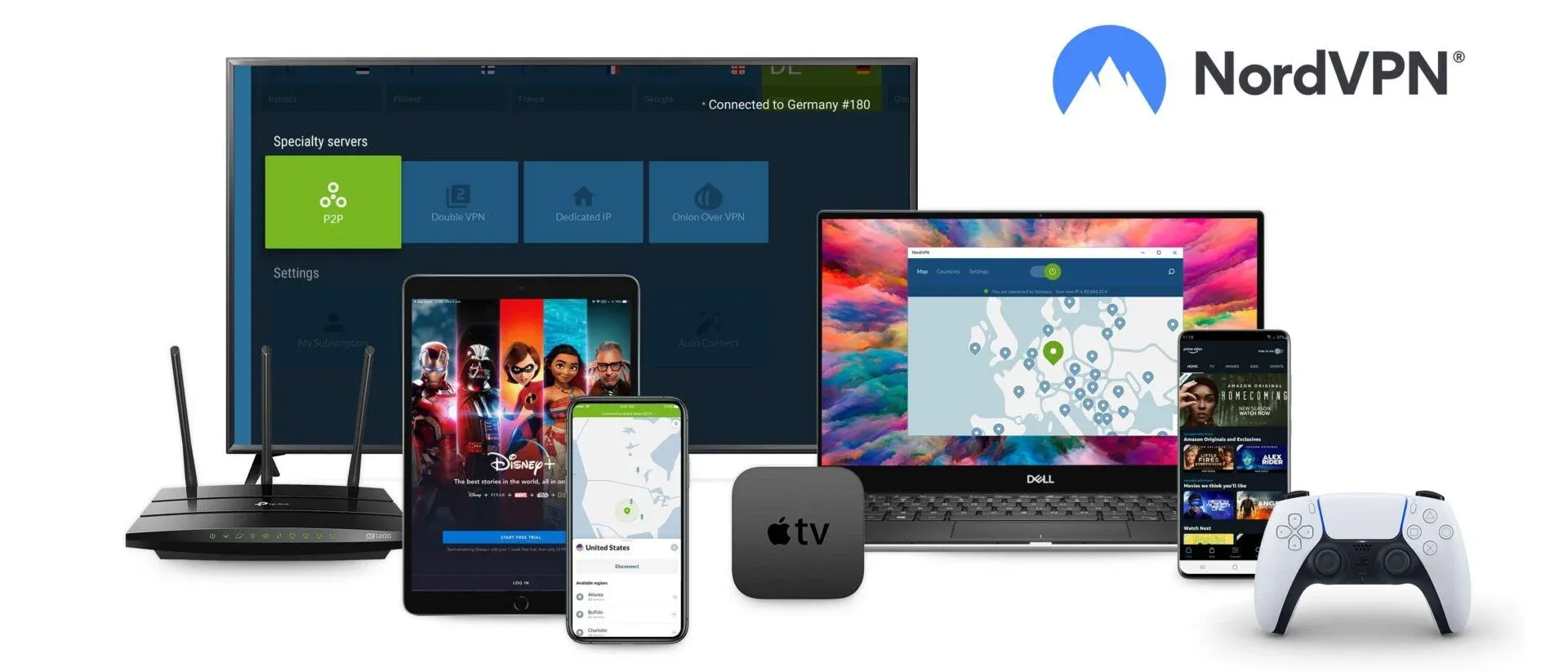
1. NordVPN — Best for Pro Gamers and Streamers
NordVPN is our top pick due to its NordLynx protocol and Meshnet feature, which allows you to create secure, private LAN networks for virtual gaming parties.
- Performance: Consistently delivers low latency and high-speed stability.
- Security: Features built-in Threat Protection Pro to block malicious ads and phishing links mid-game.
- Link: Get NordVPN for Gaming here
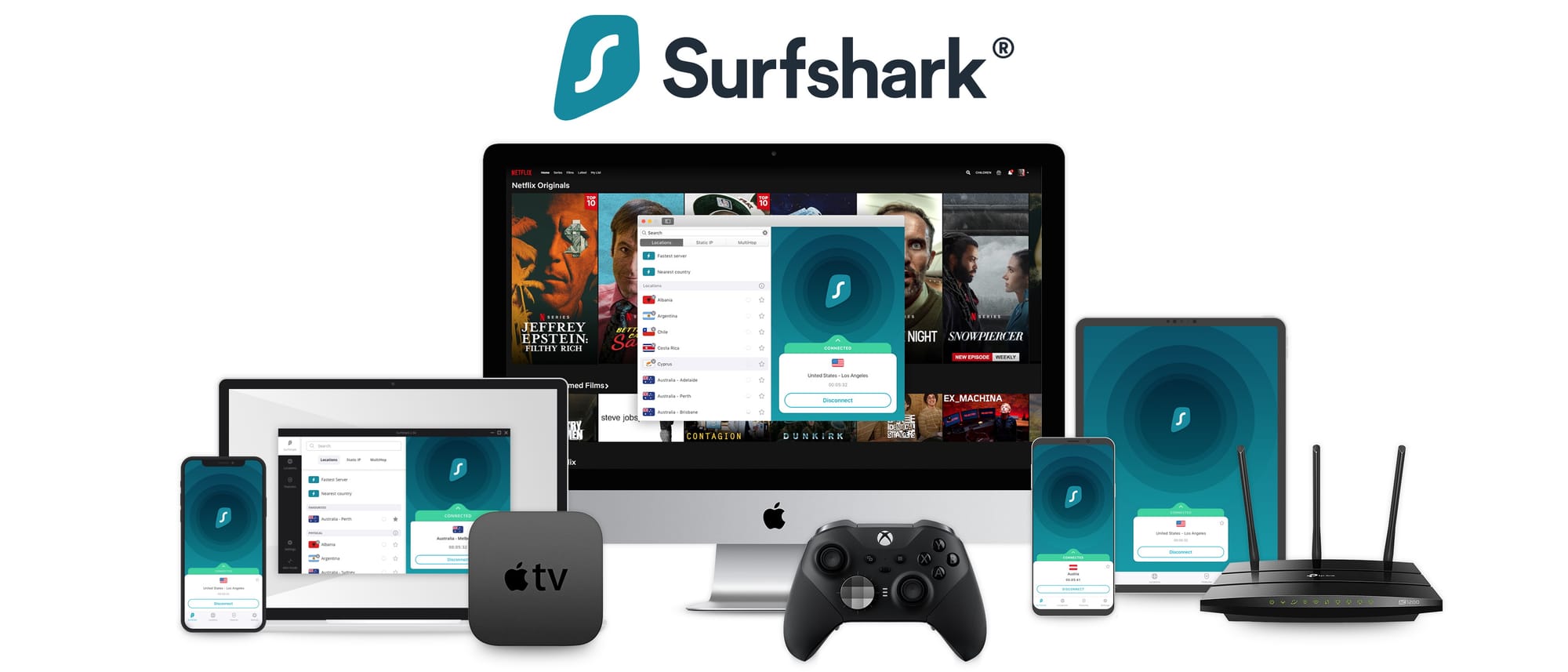
2. Surfshark — Best for PC and Household Play
Surfshark remains the strongest budget contender, offering unlimited simultaneous connections to protect every device in your home.
- Features: Includes Alternative ID to keep your real identity away from data brokers and forums.
- Speed: TechRadar notes it can hit 950+ Mbps on WireGuard, making it incredibly fast for its price.
- Link: Get the Surfshark Gaming Deal here
3. ExpressVPN — Best for Consoles and Handhelds
If you play on PS5, Xbox, or Steam Deck, ExpressVPN is the easiest to set up thanks to its Aircove router integration.
- Stability: Its Lightway protocol is designed for fast reconnections if you switch between Wi-Fi and mobile data.
- Link: Visit ExpressVPN for the 2026 Deal
Gaming VPN FAQ 2026
Can I get easier lobbies in Warzone with a VPN? Yes. By connecting to servers in less competitive regions (like Egypt or Singapore) during their off-peak hours, you increase your chances of being placed in "bot lobbies" or less competitive matches.
Can I get banned for using a VPN in games? Most titles allow VPNs for security. However, using them to bypass regional pricing on stores like Steam can violate Terms of Service and may lead to account suspension.
Will a VPN increase my FPS? No. A VPN affects network latency (ping) and stability, but it cannot improve your computer's graphical or hardware performance.